
Why You Should Set Up a Passkey (Next Time You're Asked)
2026-08-05

Ever been prompted to “set up a passkey” by Google, Apple, Microsoft, your bank or a shopping site, and just clicked past it to get on with your day? It’s worth going back. A passkey is one of the few security upgrades that’s actually easier to use than what it replaces, not harder — and it fixes the biggest weakness in how most accounts get broken into.
What a passkey actually is
A passkey replaces your password with a matching pair of digital keys — one stored securely on your phone, laptop or a security key, and one held by the website or app. When you sign in, your device proves it holds the right key using your fingerprint, face or device PIN, and nothing that could be stolen or guessed ever gets typed or sent anywhere. It’s built on the same industry standard (FIDO2/WebAuthn) backed by Google, Apple, Microsoft and most major password managers, which is why it now shows up almost everywhere you log in.
Why it's actually more secure than a password
- It can’t be phished. A fake login page can trick you into typing a password, but a passkey is tied to the real website’s address — it simply won’t work on a lookalike site, even if you’re fooled into visiting one
- It can’t be reused across sites. Password reuse is how one leaked database turns into dozens of compromised accounts — a passkey for one site is useless anywhere else
- It can’t be guessed or brute-forced. There’s no “password123” version of a passkey — the key itself is a long, random value no one is typing in by hand
- It can’t be leaked in a data breach the way a password database can, because the website only ever stores the public half of the key pair — the part that’s useless without your device
Why it's also just easier
No more remembering a password, no more typing it on a phone keyboard, and no separate SMS code to wait for — a passkey sign-in is usually a fingerprint tap or a glance at your phone. Passkeys created on an iPhone sync through iCloud Keychain, on Android and Chrome through Google Password Manager, and on Windows through Windows Hello — so once it’s set up on one device, it’s generally available on your other devices signed into the same account too.
What if you lose your phone?
This is the sensible worry, and it’s already handled. Passkeys sync and back up through your phone’s cloud account — see how Apple explains passkey security and recovery or Google’s own passkey setup guide — so a new device signed into the same account gets your passkeys back automatically. Most services also keep a fallback sign-in option (password plus two-factor, or a recovery code) for the rare case a passkey genuinely can’t be used — it’s an upgrade layered on top of your account’s existing security, not something that locks you out.
Where to start
- Your Google Account, under Security → Passkeys and security keys
- Your Apple ID, under Sign-In & Security → Passkeys
- Your Microsoft Account, under Security → Advanced security options
- Most major banks and password managers now offer it as an option in account security settings
One part of a bigger picture
A passkey is one of the best returns on ten minutes of setup time available right now, but it’s still worth pairing with the basics — a password manager for anything that doesn’t yet support passkeys, and multi-factor authentication everywhere it’s offered. If a machine’s been compromised already, a passkey set up afterwards is a good habit but not a fix — see what a proper virus and malware clean-up actually involves first.
If you’d like a hand setting up passkeys and tightening up account security across your devices while we’re already working on something else, just ask when you book a service call — it’s a quick addition to most visits.
Related articles
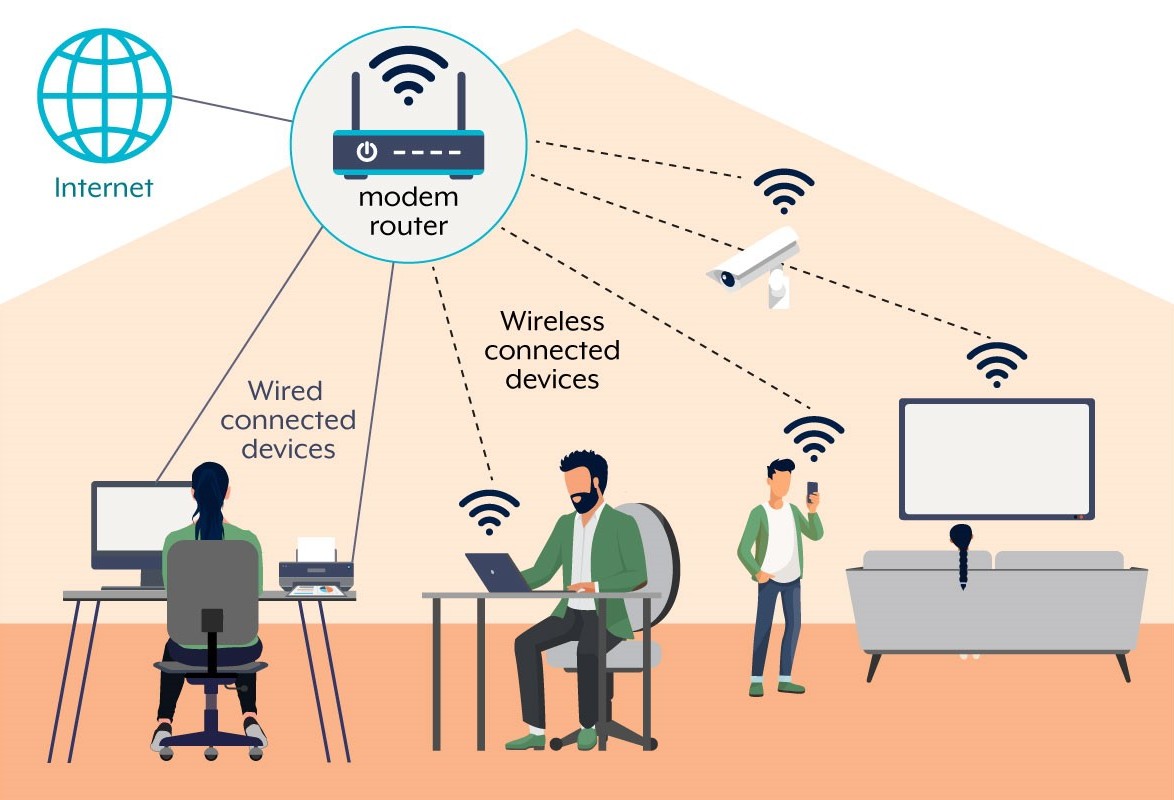
Is Your Wi-Fi Router Secure? A Simple Checklist for Townsville Homes and Businesses
Your internet can work perfectly while your router needs a security check. Follow these simple steps, learn what to look for when buying a replacement, and get local help from Townsville Computer Man.
Read more →
Ransomware and Cyber Security in Townsville — Who Actually Handles What
A ransomware scare or a "are we actually secure?" question needs a different kind of help than a slow PC or a printer that won't connect. Here's the honest split.
Read more →
Could Your SD Card Be Fake? Protect Your Photos Before It Is Too Late
Fake and falsely labelled SD cards can look genuine until they are full. Here is how to reduce the risk before your photographs or videos disappear.
Read more →