
Could Your SD Card Be Fake? Protect Your Photos Before It Is Too Late
2026-07-29
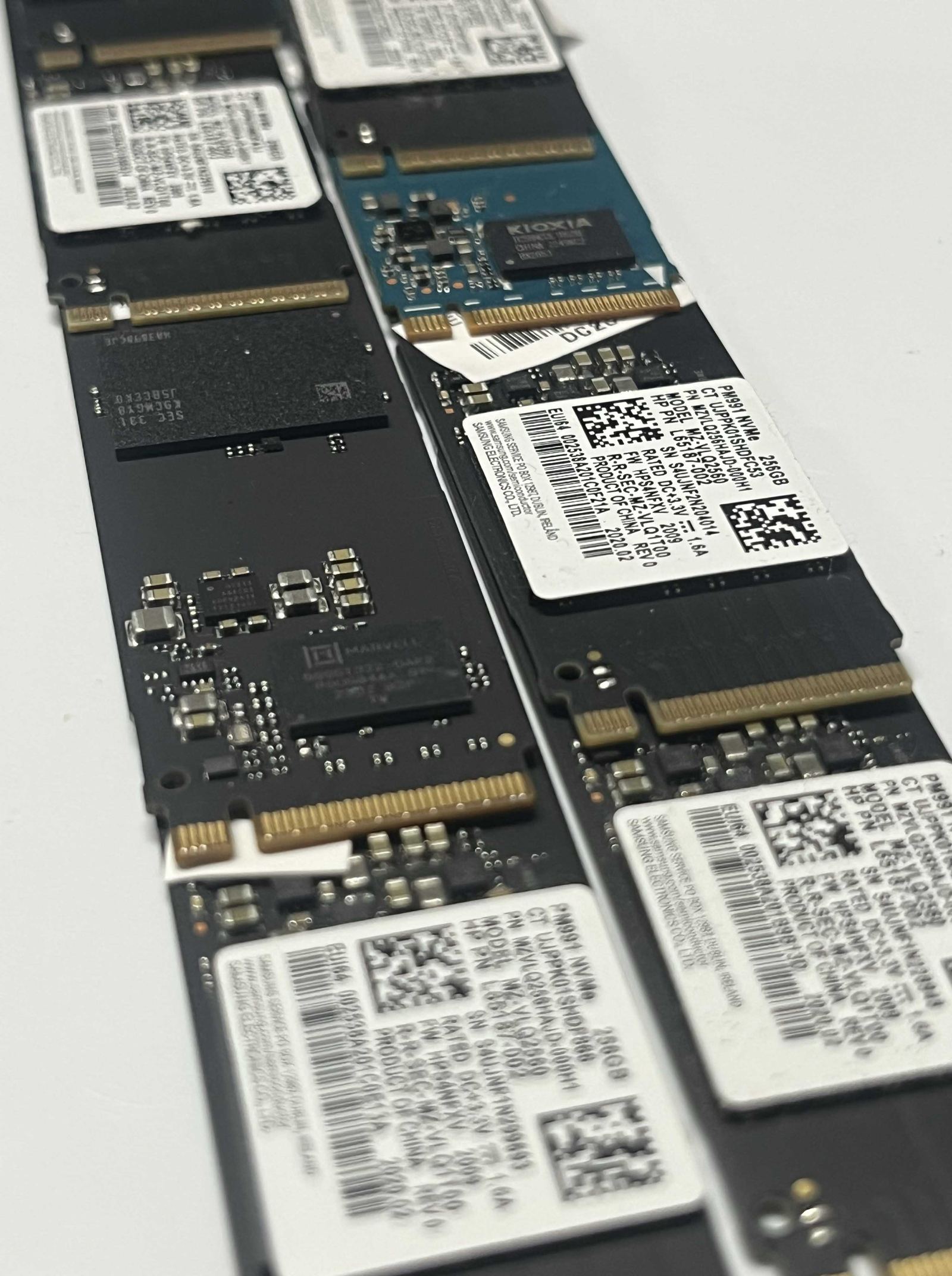
A memory card can wear the right colours, carry a familiar logo and report the capacity printed on its label—and still not be what you paid for. Counterfeit and relabelled cards may use lower-grade flash, run far below their claimed speed, or pretend to have more storage than physically exists. The terrible part is that the lie may remain hidden until your camera begins writing over data that was never safely stored.
Lee Morris of Fstoppers demonstrates just how convincing suspect cards can look in the video above. PetaPixel’s examination of the issue adds useful context: counterfeit cards are real, but the risk depends heavily on where and how you buy. Its reporting also notes limitations in the video’s methods and identifies its apparent, undisclosed commercial link to a recovery provider. The practical warning remains sound without assuming that every card is fake.
How to reduce the risk
- Buy the seller, not just the logo. Purchase directly from a manufacturer or an authorised, reputable retailer. On a marketplace, check the actual seller and fulfiller rather than trusting the brand-store heading. Treat a price far below normal retail as a warning, and avoid used or “refurbished” memory cards for anything that matters.
- Test before trusting it. A full-capacity write-and-verify test is more meaningful than copying a few files or reading the size shown by Windows or macOS. Speed testing can also expose a card that fails to meet its advertised class. Testing overwrites the card, so do it while the card is new and empty—not after a shoot.
- Never let the card be the only copy. Copy photographs and videos to verified storage as soon as practical, then create another backup before formatting the card. Rotate cards, replace any that produce errors, and never delete the source until the copies have been opened and checked.
If an SD card suddenly asks to be formatted, shows the wrong capacity, disappears, or contains unreadable photos, stop using it. Do not take another photograph on it. We can assess SD cards alongside external drives, desktop and laptop storage, SSDs and USB devices through our Townsville data recovery service.
Related articles
The External Drive That Held a Family's History
An external drive stopped opening with years of irreplaceable family photos and videos inside. This is how careful, block-by-block recovery brought almost all of them home.
Read more →
5 Signs Your Townsville Computer Needs Repair (Not a Full Replacement)
Slow, noisy, or randomly restarting — five signs worth a proper diagnosis before you spend money on a new computer.
Read more →
Computer Repairs in Townsville — The Complete Guide
What actually gets fixed, what a real diagnosis looks like, and how free collect and repair covers Kirwan, Mundingburra, Aitkenvale and the rest of greater Townsville.
Read more →