
Cable Colours Decoded: A Homelabber's Guide to Colour-Coding Your Network
2026-07-14
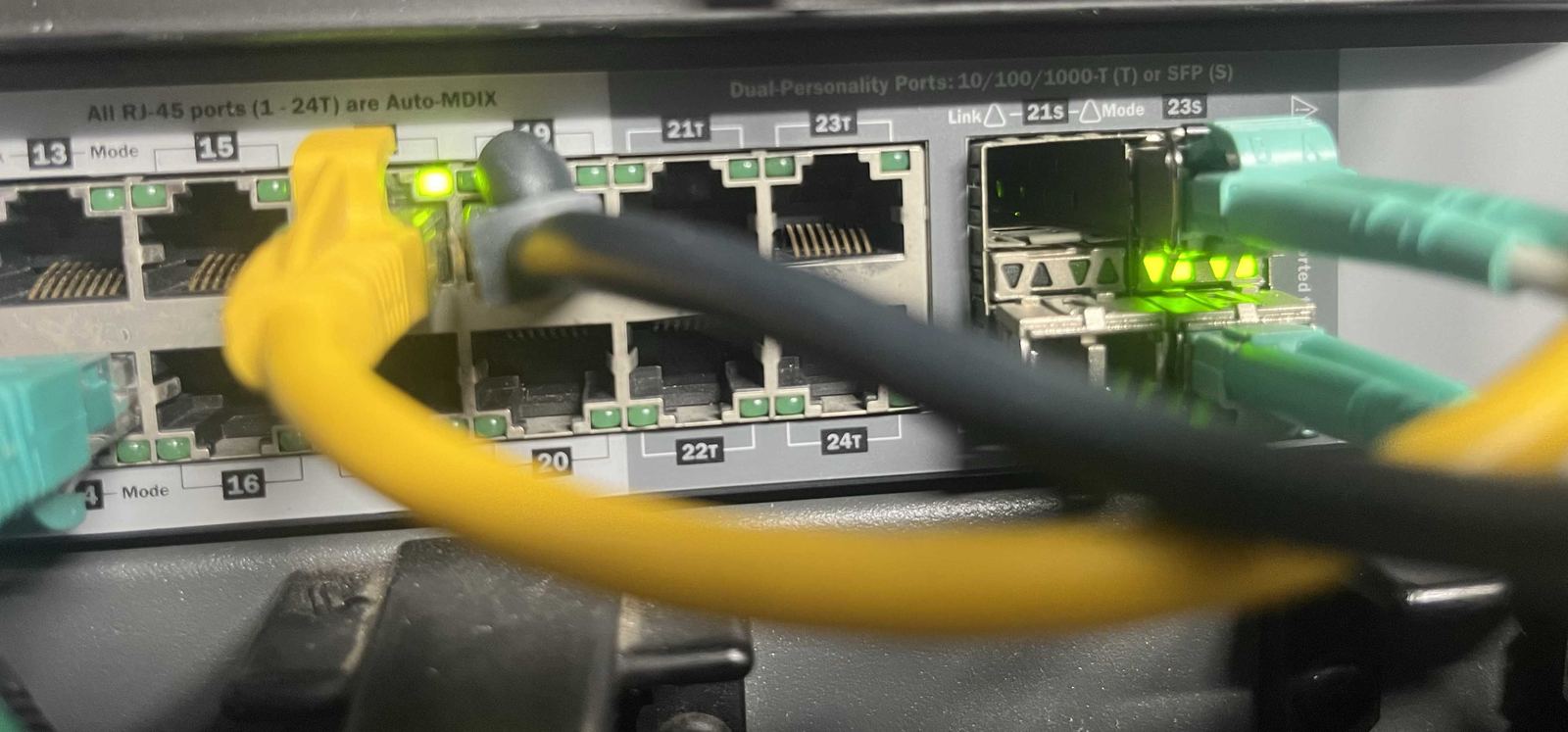
Most home networks — and a fair few small business ones — run every cable in whatever colour came in the box, usually grey or blue. That’s fine right up until something breaks at 11pm and every cable behind the rack looks identical. A small amount of colour discipline fixes this permanently, and it’s one of the more genuinely fun parts of tidying up a homelab or an office network.
This isn’t an official standard — there are a few competing conventions out there, and plenty of homelabbers argue happily about the “correct” one. What follows is the scheme we actually use and recommend, because it maps to a question you ask constantly when troubleshooting: what is this cable actually for?
The colour scheme
- Yellow — Wi-Fi and access points. Every cable running to a ceiling-mounted or wall-mounted access point gets yellow. It stands out at a glance in a patch panel full of grey, and it means “if Wi-Fi drops, start here” without needing to trace the run.
- Blue — general network and workstations. The everyday, nothing-special data run: desks, printers, general-purpose ports. Blue is the default because it usually is the majority of cables in the rack — the “just a normal network cable” colour.
- Green — phones and VoIP. Desk phones and VoIP handsets get their own colour so a phone fault never gets confused with a data fault, especially useful in an office where the phone system and the computer network share the same switch.
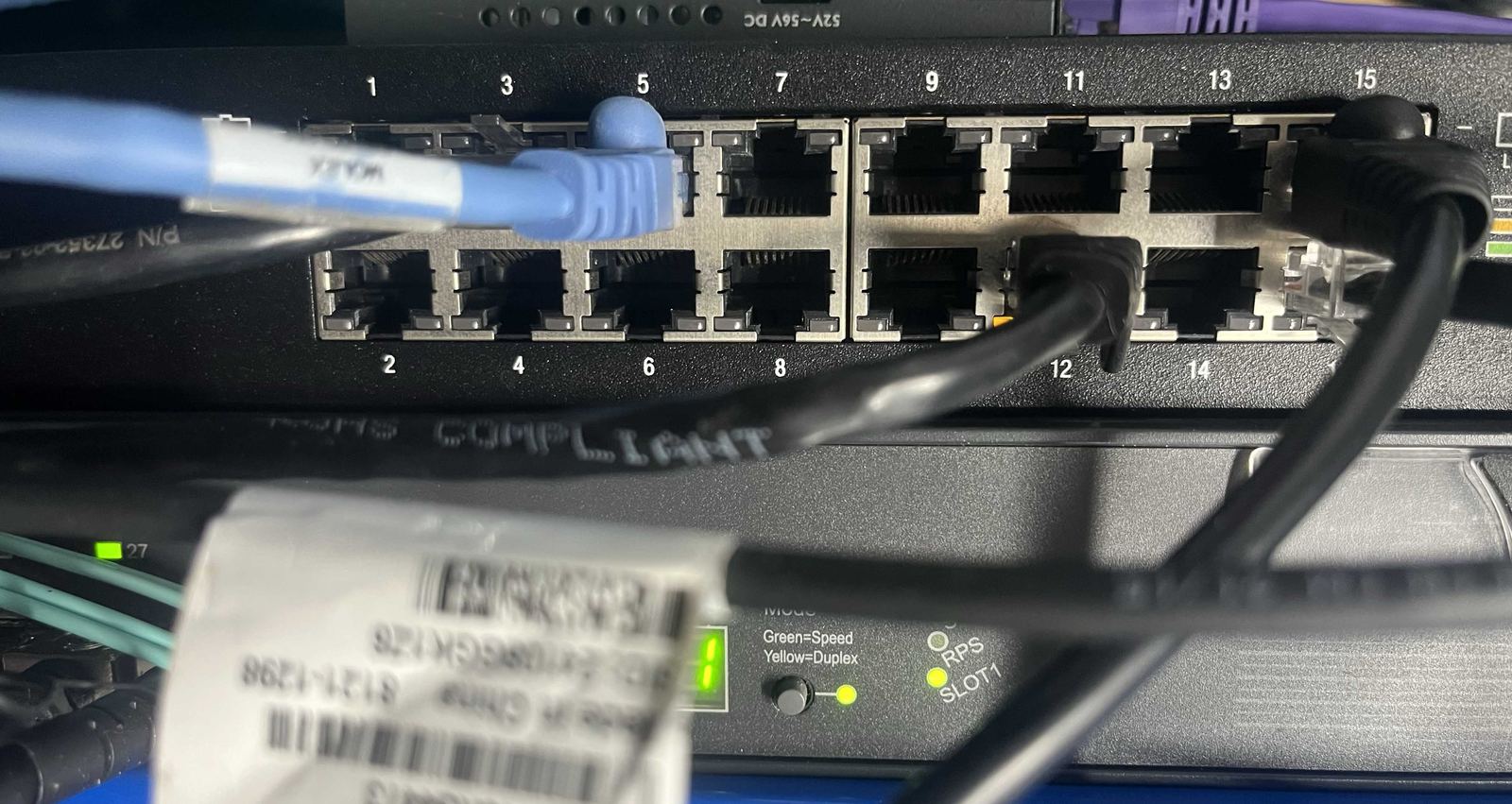
- Purple — servers. Anything running a Proxmox host, a NAS, or another always-on server gets purple. These are usually the cables you least want to unplug by mistake, so making them visually distinct from the general population of blue cables is a genuinely useful safety net.
- Black — trunks and uplinks. The backbone runs between switches, or from a switch up to the main router or firewall, get black. These carry everyone else’s traffic, so they’re worth being able to spot immediately — and worth never touching without knowing exactly what’s about to go offline.
- Aqua (OM3) or yellow (OS2) — fibre backhaul. Switch-to-switch backhaul over fibre is its own category again. Aqua is the industry-standard jacket colour for OM3 multimode fibre, and if you’re lucky enough to be running single-mode OS2 for a longer run, that’s conventionally yellow-jacketed — worth knowing so you don’t mix up a fibre patch lead with a plain old Cat6 run by colour alone.
- Red — the “hot” WAN link. The one cable in the rack that’s carrying the actual internet connection — the uplink from the modem or ONT into the firewall — gets red. It’s the cable you genuinely do not want to unplug mid-troubleshoot, so it earns the colour that means “stop and think” in pretty much every other context.
Colour tells you what a cable does — VLANs decide what it’s allowed to talk to. None of this replaces proper network segmentation, and colour-coding a rack that’s still one flat network only gets you so far. Some homelabs genuinely only need a VLAN or two; others — running a dozen services, several trust levels, and a handful of guest or IoT devices — end up with ten or more, and both are fine. Scale it to what’s actually running, not to what looks impressive in a diagram. The one rule worth treating as close to universal, though: never route storage traffic. iSCSI, NFS and similar storage protocols should sit on their own VLAN with no gateway configured, ideally on their own dedicated NIC — storage traffic doesn’t need internet access, and it doesn’t need to reach anything beyond the hosts and array it’s serving. Keeping it off the routed network removes a whole class of latency and security headaches in one move. See Linux and homelab support if segmentation is the part of the network that’s still one big flat subnet.
None of this needs to happen all at once. Re-terminating or replacing every cable in a rack in one sitting is a weekend nobody has spare, and it’s not necessary — colour-coding pays off fastest on new runs and whatever gets touched next during other work. It’s exactly the kind of small, cumulative tidiness that turns a homelab from “it works, don’t touch it” into something a second person (or a stressed future you) can actually read. If your rack has reached the point where every port needs its own investigation before you dare unplug anything, we can help make sense of it — the same goes for small businesses whose network cabling has quietly turned into spaghetti behind a desk.
Related articles

Why we're Townsville's Linux and homelab specialists
Most Townsville repair shops stop at Windows and Mac. We also run Ubuntu, Pop!_OS, Debian and Proxmox day to day, and we work with homelabbers directly.
Read more →
New cyber security guidance: ASD Essentials
ASD Essentials builds on the Essential Eight. Our sister service, Suburban Secure, has a short introduction and links to the official guidance.
Read more →
Is Your Wi-Fi Router Secure? A Simple Checklist for Townsville Homes and Businesses
Your internet can work perfectly while your router needs a security check. Follow these simple steps, learn what to look for when buying a replacement, and get local help from Townsville Computer Man.
Read more →