
The External Drive That Held a Family's History
2026-07-29
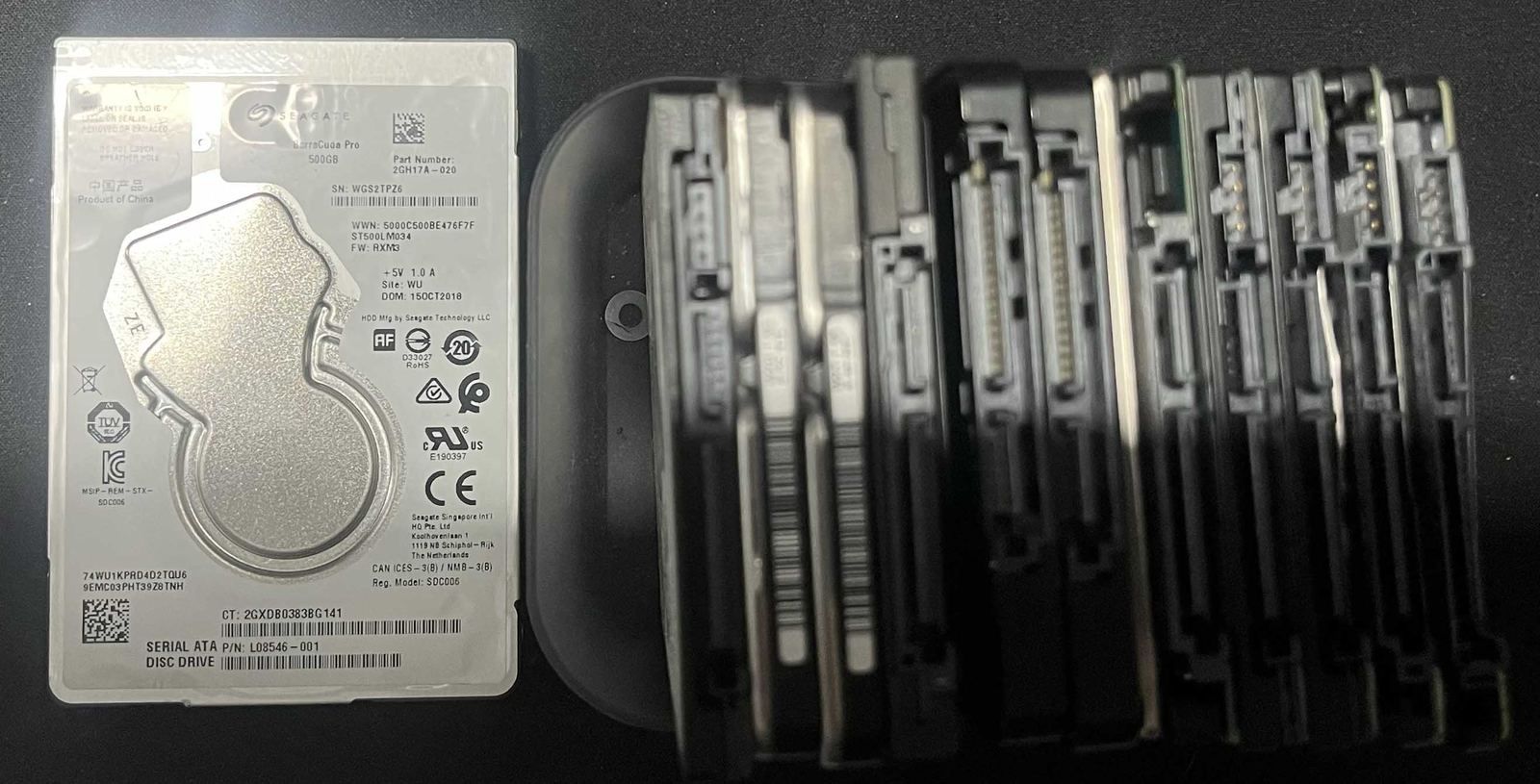
The external drive did not contain files in the ordinary sense. It held children growing up, family gatherings, voices and faces that could not be recreated—the photographs and home videos that had quietly become a family’s history. Then one day, the computer could no longer access it.
By the time the client reached us, several companies presented as data recovery specialists had already been unable to retrieve the collection. Hope was fading. The drive itself could be replaced for a modest sum, but no shop could sell the years stored inside it.
We treated the original device as evidence, not as a disk to experiment on. Using specialist imaging and recovery utilities, we worked bit by bit and block by block, reading what remained stable, working around damaged areas and recovering from an image rather than placing the source under needless repeated load. It was patient work, because with irreplaceable data, speed is never more important than care.
The result was close to 100% recovery. Almost every photograph and family video came back. Delivering those files was a reminder of why data recovery is different from replacing a component: the value is not in the drive; it is in the memories that come home.
The story did not end with handing over a new disk. We helped the client understand redundancy and put a proper backup strategy in place. One external drive is storage, but it is not a backup when it holds the only copy. Important files should exist in multiple places, on separate devices, with at least one copy kept away from the computer—and those backups should be tested.
If a hard drive, SSD, SD card, USB device, desktop or laptop suddenly becomes inaccessible, stop using it. Do not format, initialise or repeatedly reconnect it, and do not install recovery software onto the affected drive. Every new write can reduce what remains recoverable. Disconnect it, keep it safe and call us for a no-obligation quote.
We offer flat-rate recovery for the agreed job after assessment, plus the cost of suitable new storage media. Recovered files are only returned on a new, healthy drive; we will not place precious data back onto the device that has already failed.
Related articles
Could Your SD Card Be Fake? Protect Your Photos Before It Is Too Late
Fake and falsely labelled SD cards can look genuine until they are full. Here is how to reduce the risk before your photographs or videos disappear.
Read more →
5 Signs Your Townsville Computer Needs Repair (Not a Full Replacement)
Slow, noisy, or randomly restarting — five signs worth a proper diagnosis before you spend money on a new computer.
Read more →
Computer Repairs in Townsville — The Complete Guide
What actually gets fixed, what a real diagnosis looks like, and how free collect and repair covers Kirwan, Mundingburra, Aitkenvale and the rest of greater Townsville.
Read more →