
5 Signs Your Townsville Computer Needs Repair (Not a Full Replacement)
2026-07-14

Buying a new computer feels like the safe option when an old one starts acting up, but it’s often the more expensive one too — especially when the actual fault is a $150 part, not a dead machine. Here are five signs worth getting properly diagnosed before deciding either way. This pairs well with the full guide to computer repairs in Townsville if you want the bigger picture.
Five signs worth a proper diagnosis
- It’s slow, but it wasn’t always this slow. A gradual slowdown over months or years, rather than a sudden crawl, usually points to software bloat, a fragmenting drive, or malware — not failing hardware. This is the single most common computer repair job, and very often the fix is cheaper and faster than most people expect.
- It won’t boot, or boots to a black screen. This looks catastrophic but frequently isn’t. A corrupted boot record, a loose cable, or a failing drive can all produce the same symptom, and two of those three are inexpensive fixes. The only way to know which is to actually open it up and check — not replace the whole machine on the assumption of the worst case.
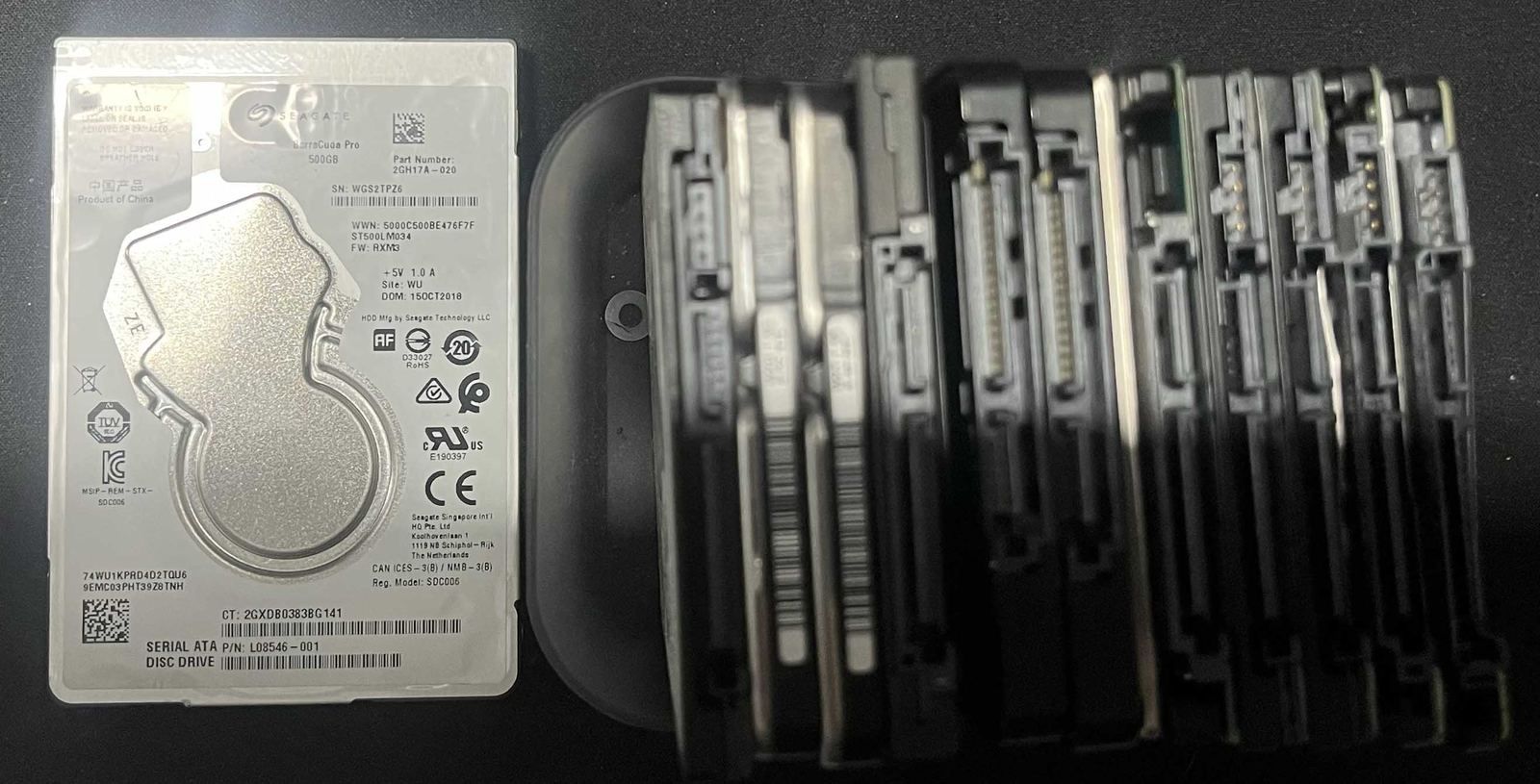
- It’s making noise it didn’t used to make. Clicking, grinding or loud whirring from inside a desktop or laptop is worth taking seriously — it’s often a mechanical hard drive nearing failure, and catching it early is the difference between a straightforward drive swap and a full data recovery job. Even a drive that’s already failed isn’t automatically a lost cause — data recovery is worth asking about before assuming everything’s gone.
- It restarts or freezes randomly, especially under load. Random restarts, freezes during video or games, or crashes that seem to happen “whenever it feels like it” often trace back to a failing power supply, overheating, or bad RAM — all replaceable components in a desktop, and frequently repairable in a laptop too.
- It’s covered in popups, or just feels “off.” A browser that redirects on its own, new toolbars nobody installed, or a general sense that something’s not right are strong indicators of malware. See what virus and malware removal actually involves for what a proper clean-up covers.
As a rule of thumb, if the machine is under about four years old, or the fault sounds like one of the five above, get it looked at before writing it off. A quote after a real diagnosis costs nothing and tells you exactly where you stand.
Related articles

Why Modern Computers Are So Hard to Fix (And What Changed)
Older computers were built from modular, standard parts with open repair manuals. Thinner designs, glued and soldered components, and software that locks parts to a specific motherboard have made a lot of modern machines nearly impossible to open, let alone upgrade.
Read more →
Why You Should Set Up a Passkey (Next Time You're Asked)
If Google, Apple, Microsoft or your bank has ever prompted you to "set up a passkey" and you clicked away, here's why it's worth going back — passkeys are faster to use than a password and can't be phished, guessed or reused the way passwords can.
Read more →
Do You Need Paid Antivirus? Windows Defender and Mac Security in 2026
For most people, Microsoft Defender is genuinely enough on Windows — it's improved enormously and is trusted by enterprises worldwide — while a Mac's regular security patches and locked-down design mean it rarely needs anything extra at all.
Read more →