
SSD Upgrades in Townsville — The Fastest, Cheapest Way to Speed Up an Old PC
2026-07-14

If a desktop or laptop still boots off its original mechanical hard drive, there’s a good chance the single biggest speed problem it has isn’t the processor, the RAM, or its age — it’s that drive. Swapping it for a solid-state drive (SSD) is routinely the highest-impact upgrade available for an older machine, and it’s one of the most common jobs behind computer repairs in Townsville.
Why it makes such a big difference
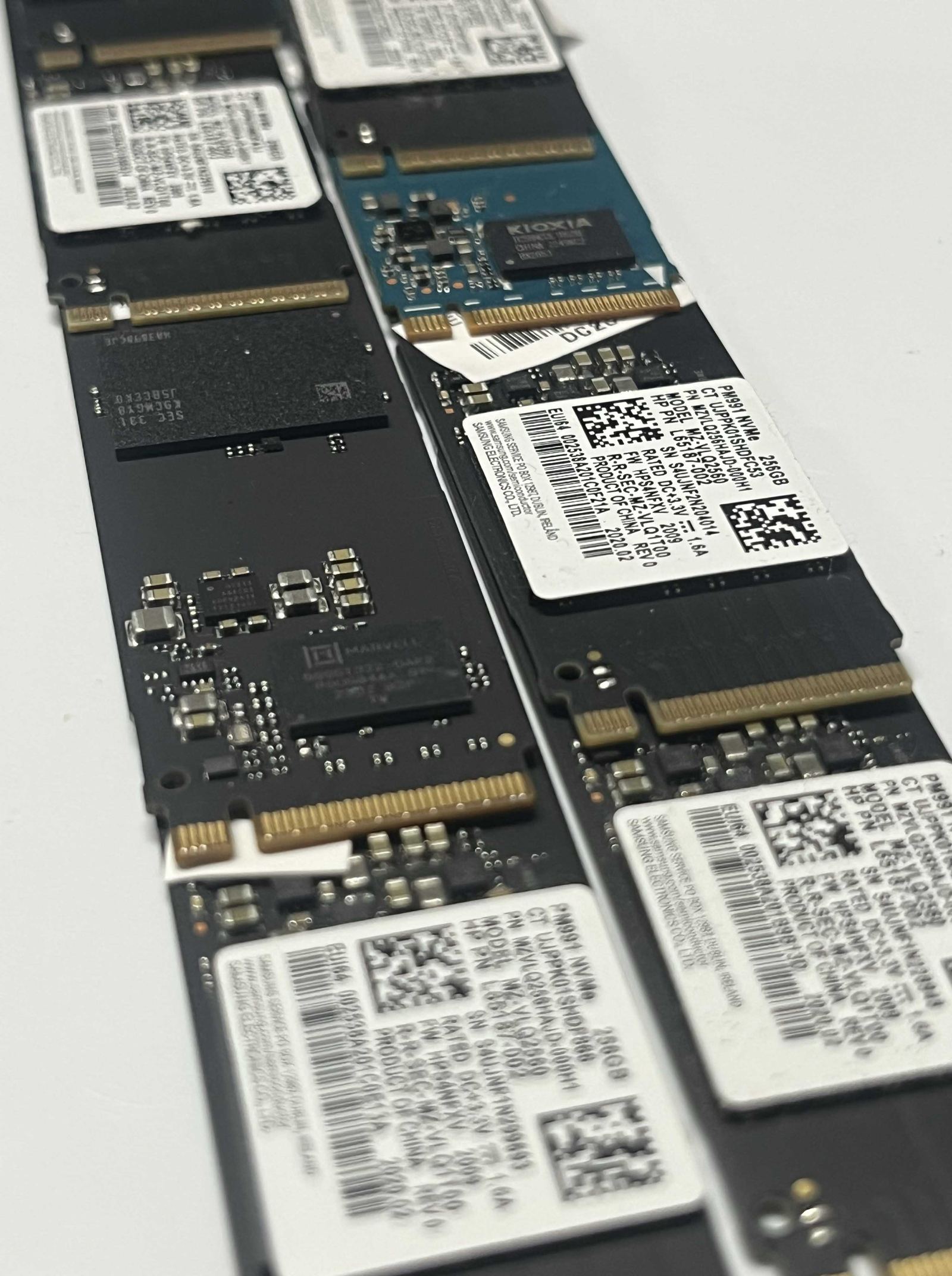
A mechanical hard drive relies on a physically spinning platter and a moving read/write head — it’s the slowest component in almost every PC built in the last decade. An SSD has no moving parts and reads and writes data electronically, which is why a machine that used to take three or four minutes to become usable after a cold boot can be ready in under thirty seconds once it’s upgraded. Program launches, file copies and general responsiveness all improve at the same time, not just startup.
Is it worth it, or should you just buy new?
For a machine that’s otherwise in good shape — a working screen, enough RAM, no other hardware faults — an SSD upgrade is almost always cheaper than replacing the whole computer, and the improvement is often more noticeable than what you’d get from a brand-new budget machine. It stops making sense once a computer has multiple compounding issues (a failing screen, outdated RAM that can’t be expanded, a processor genuinely too old for current software), which is exactly why every job starts with a proper diagnosis rather than a blanket “just upgrade the drive” answer.
What happens to your existing files
Data migration — moving your files, settings and, where possible, your existing Windows install across to the new drive — is part of the upgrade, not a separate headache left for you to sort out. If the old drive is already showing signs of failure, that’s flagged before it becomes a bigger problem; see the signs a computer needs repair for what to watch for.
Laptops too, where the hardware allows it
Most laptops built in the last ten to twelve years can take an SSD upgrade as well, though physical access and drive compatibility vary a lot more than on a desktop. It’s covered under laptop repairs as part of the same diagnostic process.
An SSD upgrade is quoted properly after the drive and the rest of the machine are actually checked — not sold as a one-size-fits-all fix. If a desktop or laptop feels like it’s aged badly, it’s worth asking whether the drive is the real culprit before spending money on anything bigger.
Related articles

Why Modern Computers Are So Hard to Fix (And What Changed)
Older computers were built from modular, standard parts with open repair manuals. Thinner designs, glued and soldered components, and software that locks parts to a specific motherboard have made a lot of modern machines nearly impossible to open, let alone upgrade.
Read more →
Why Is My Computer So Slow?
A gradual slowdown is almost always one of four things — a mechanical hard drive, a full or fragmenting drive, too little RAM for what you're running, or background malware. Each has a different, usually inexpensive, fix.
Read more →
Computer Repairs in Townsville — The Complete Guide
What actually gets fixed, what a real diagnosis looks like, and how free collect and repair covers Kirwan, Mundingburra, Aitkenvale and the rest of greater Townsville.
Read more →